
zoho integration

Your Team’s Already in Zoho
Now Your Calls Are Too

b-hive's native calling functions plug into Zoho, so every call, contact, and outcome stays right where your team already works.
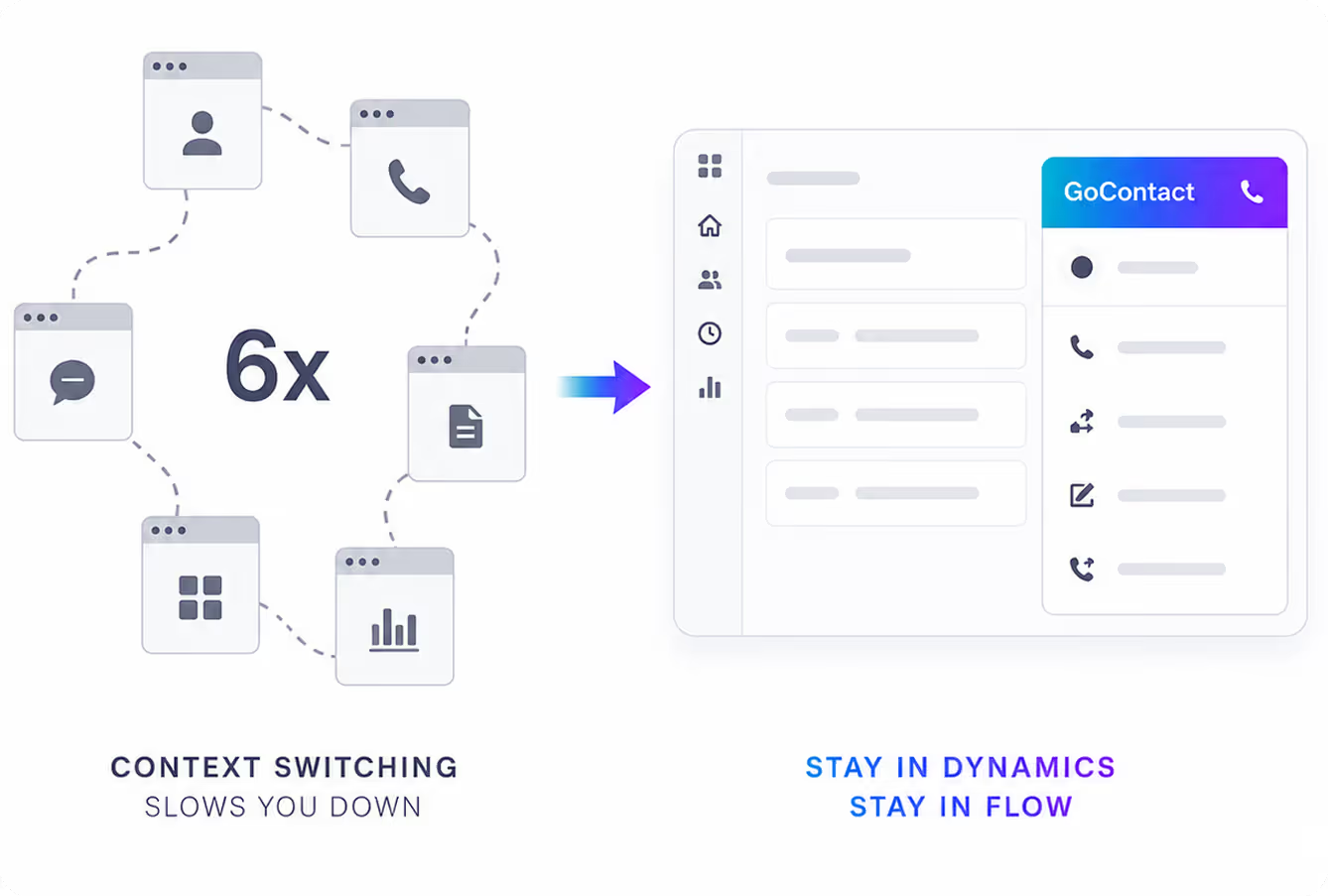
Illustration showing six different app windows representing context switching on the left; an arrow points to a single streamlined GoContact interface on the right with the text 'Context switching slows you down' and 'Stay in Dynamics Stay in Flow'.

Click-To-Call

Manual Dialing is a Workaround
Not a Workflow

Click any phone number inside a Zoho record and b-hive places the call immediately. No retyping numbers, switching apps, or copy/paste errors. Instead, you’re left with easy outreach for sales and service teams.

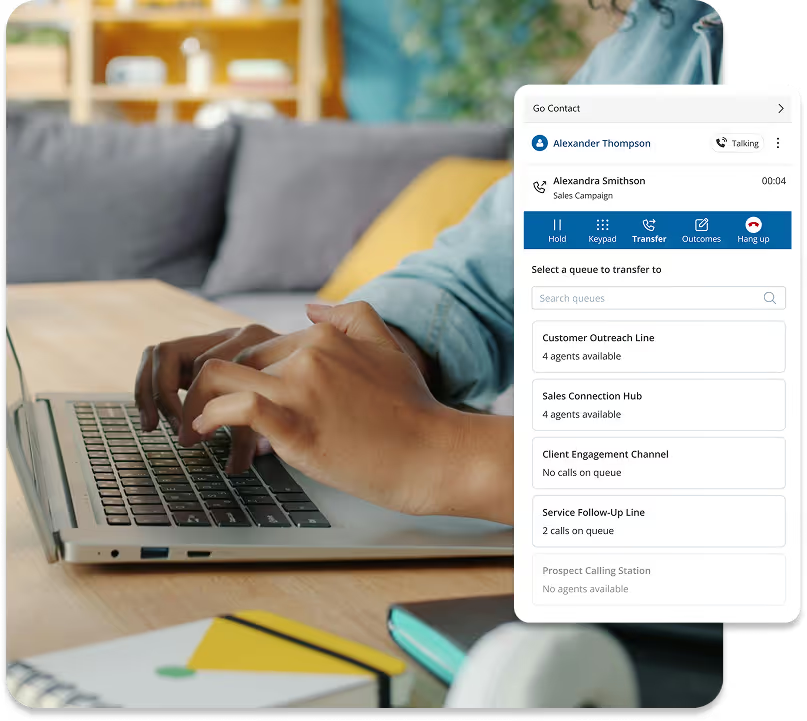
Hands typing on a laptop keyboard with a call center interface showing options to hold, keypad, transfer, outcomes, and hang up during a call with Alexandra Smithson.

Screen Pop

Don’t Make Customers
Repeat Themselves

When a call comes in, b-hive matches it to the caller’s Zoho record and surfaces their information on the agent’s screen automatically. Agents start every conversation already caught up.
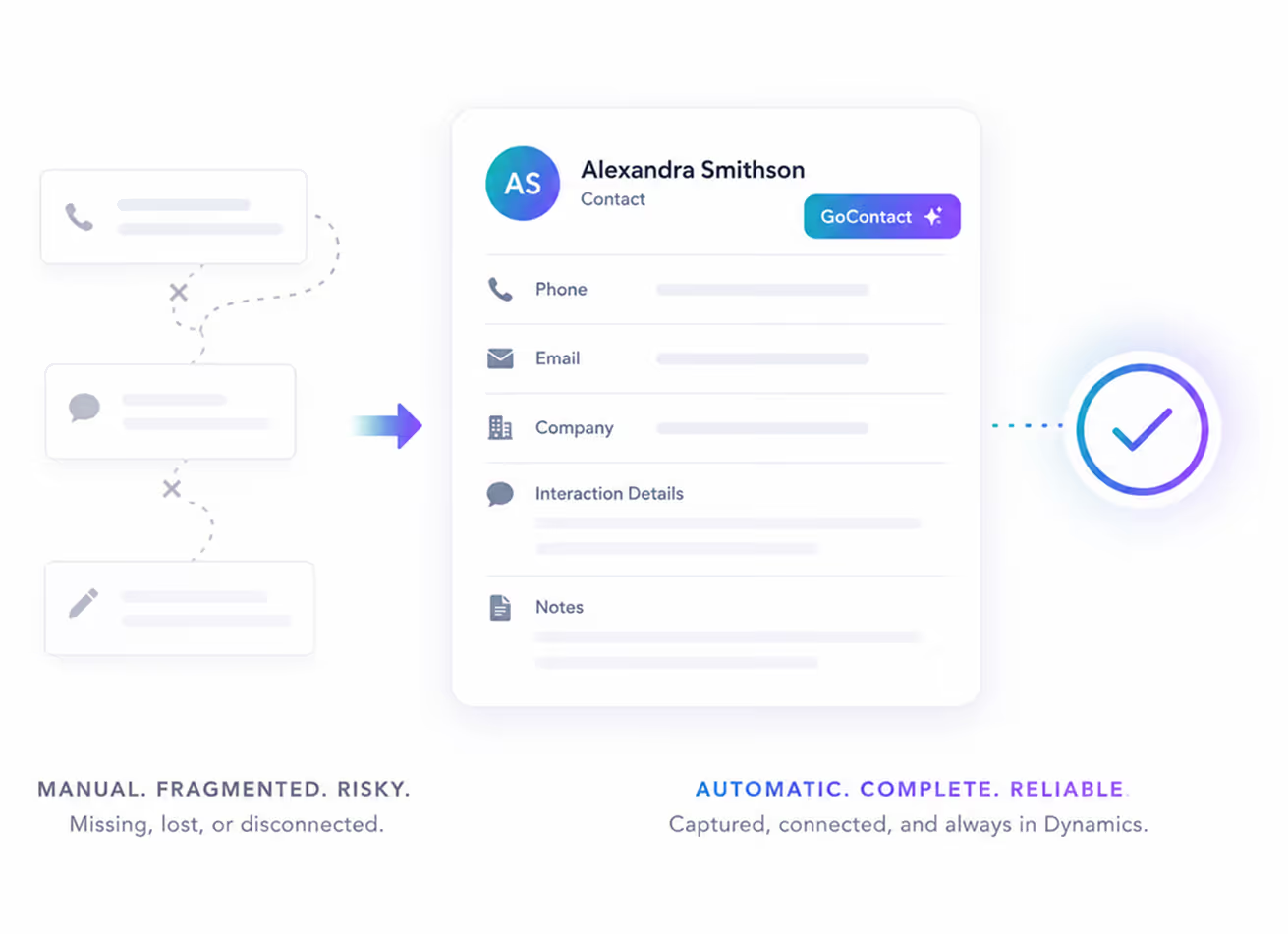
Comparison of manual fragmented contact management, represented by disconnected phone, message, and note icons leading to a consolidated digital contact card for Alexandra Smithson with phone, email, company, interaction details, notes, and a verified checkmark, highlighting automatic, complete, reliable data capture.

Call Disposition

Log it Once
Zoho Gets It Automatically

When a call ends, b-hive prompts agents to enter their notes and outcomes. Once they do, it automatically attaches everything into the customer’s Zoho record. There’s no copy/paste or manual filing, so nothing slips through the cracks.

Everything b-hive Needs to Work Inside Zoho

Keep your team focused on your customers, not their tools.

Click-to-Call

Dial any Zoho phone number instantly. No manual entry.

Screen Pop

Manage inbound and outbound calls without leaving your CRM.

Automatic Call Logging

Outcomes and call notes save right to the Zoho record.

Follow-Up Automation

Auto-create follow-up calls, events, or tasks for improved CX.

Interaction Tracking

Store and analyze your customer interactions in one place.

Reporting & Analytics

Turn call data into insights for smarter, faster decisions.

Keep the Work Flowing in Zoho

b-hive connects calling activity to Zoho records, so agents can place calls, see customer context,
and log outcomes without jumping between disconnected tools.

Less Switching More Serving

Agents shouldn’t have to bounce between systems to make a call, answer a customer, or update a record. With b-hive connected to Zoho, they can handle the full calling workflow with less friction and fewer manual steps.

Agents Move Through Calls With Confidence

With customer details available in Zoho, agents spend less time searching for information and more time solving the issue in front of them. The result is a smoother call for the agent and a better experience for the customer.

Frequently Asked
Questions

What is the b-hive Zoho integration?  
Icon
How does click to call work?
Icon
What happens to call data after a conversation ends? 
Icon
What happens when a call comes in?
Icon
How do I set up Zoho with Broadvoice?
Icon
How does the Zoho integration help agents work faster?
Icon

Ready To

Transform Your CX?

Join thousands of teams delivering exceptional
customer experiences with Broadvoice.

Book a Demo